
Hoot Platform Company setup
Set up each company in its own country.
Give each company its country, currency and registrations, bring in your existing data, and number documents your way.
Planned Status
1 Workflows
5 Record types
6 Integrations
What it covers
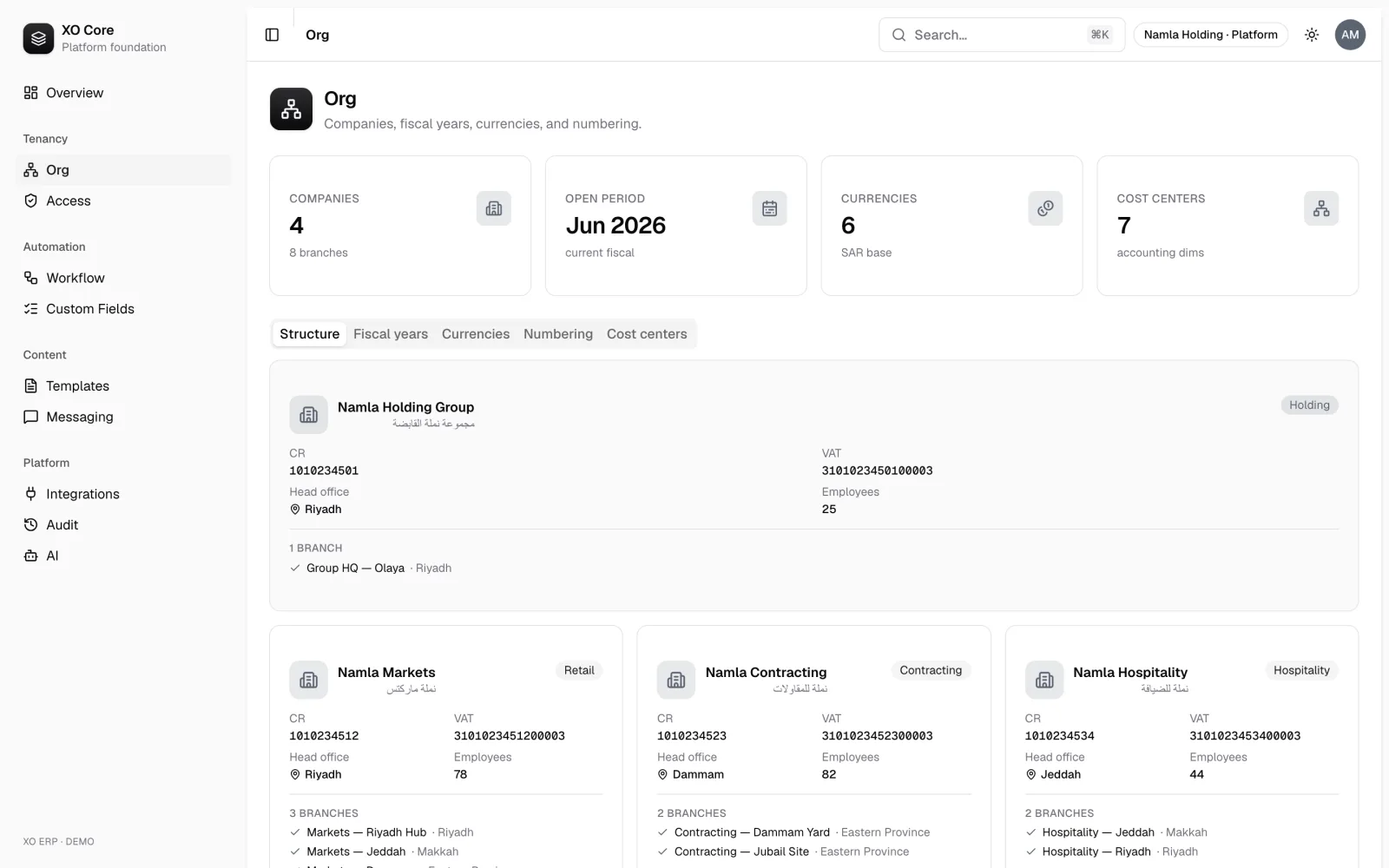
Company setup
The records you work with in this area.
- Legal entities
- Imports
- Settings
- Custom fields
- Number sequences
How the work flows
The steps this area takes you through, from start to finish.
Customer onboarding (tenant to first transaction)
Planned- 01 Provision tenant
- 02 Numbering sequences
- 03 Seal secrets
- 04 Invite admin
- 05 Federate IdP
- 06 Import CR and legal entity
- 07 Master data and opening balances
- 08 Approvals
- 09 Brand documents
- 10 ZATCA EGS onboarding
- 11 First access review
- 12 Go live
Works with
Services and tools this area connects to, and where each one stands.
- dynamics-365-bc Global Planned
- netsuite Global Planned
- odoo Global Planned
- quickbooks-online Global Planned
- sap-business-one Global Planned
- xero Global Planned
Also in this suite
Shared records
Set up customers, suppliers, products and price lists once. Every suite uses the same ones.
Learn more Sign-in & permissionsPeople sign in with a link or a code, get roles that fit their job, and everything they do is recorded.
Learn more AutomationReact to anything that happens in Hoot: notify another system, start the next step, or let an AI agent handle it under its own recorded identity.
Learn more